Templates define the structure of cards inside a deck. When a deck is assigned a template, all new cards will use that template by default. However it's still possible to create new cards using a different template or without any template at all.
Different decks can have the same template applied.
Adding a template
To add a template to a deck:
Click on the Deck that you want to apply the template to.
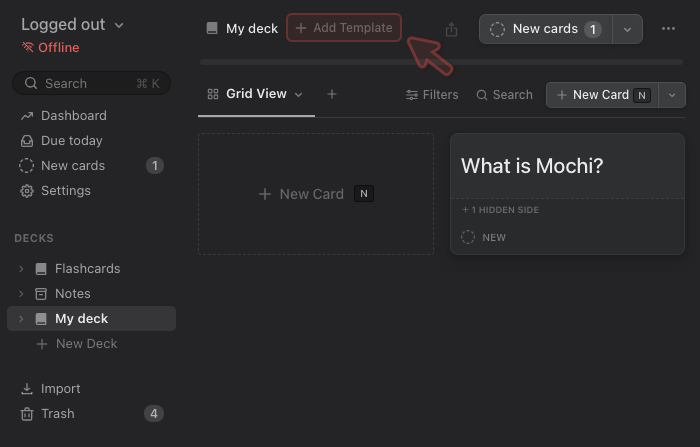
Click on the Add Template button at the top of the page.


 Mochi
Mochi